.webp)
How Small Studios Can Create Instructor-Led Promo Videos on a Solo-Owner Budget
If you're the instructor, the front desk, and the marketing department all at once, filming yourself teaching for a promo video creates an obvious problem: there's no one behind the camera to actually run it. A tripod and a phone gets you footage, but not the kind of camera work that makes a video look intentional rather than static. Hiring a videographer solves the camera problem but adds a cost most solo studio owners can't justify for a single promo video, let alone the steady stream of content social media actually rewards.
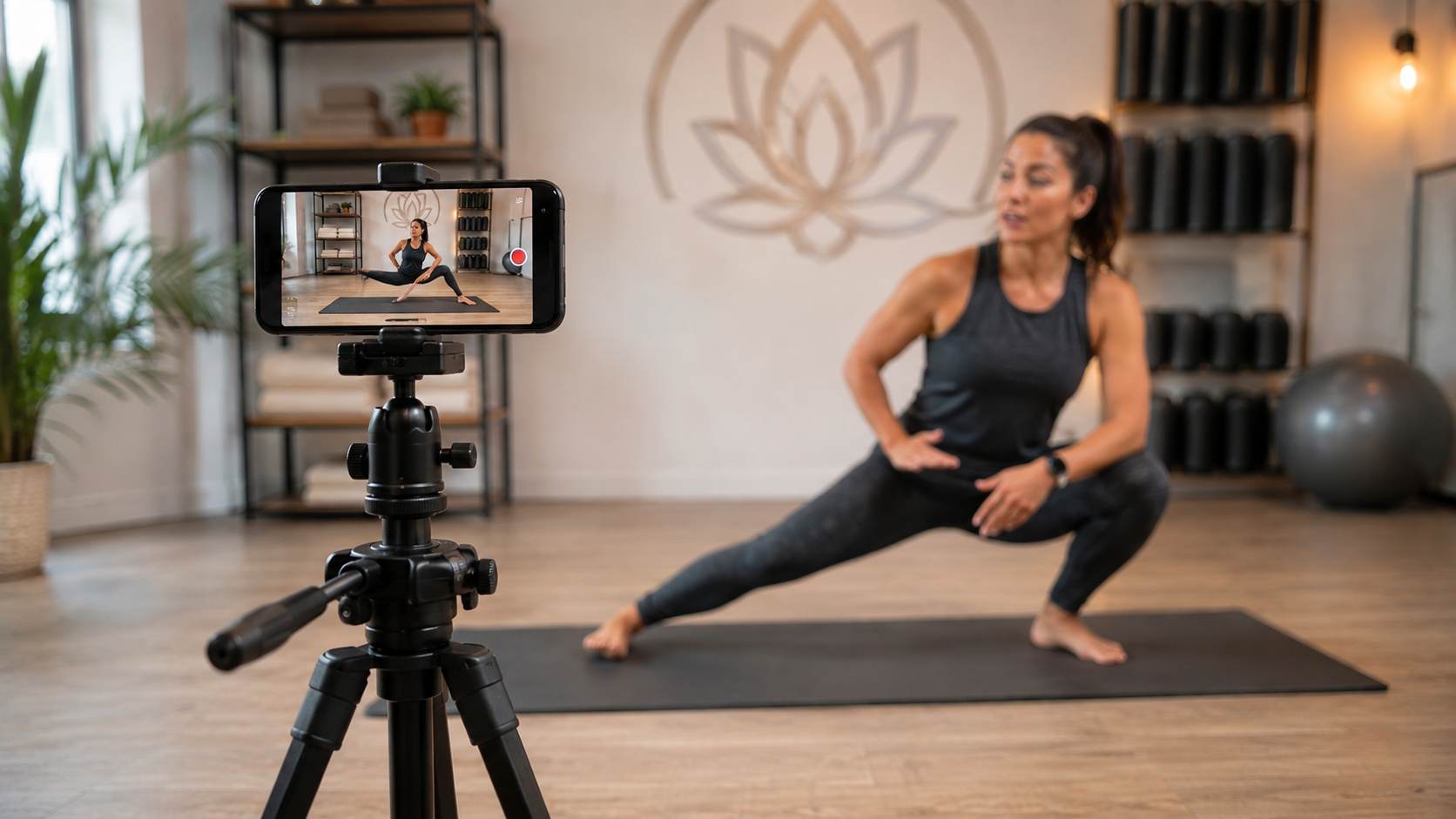
What a solo owner needs isn't a crew it's a way to get deliberate, professional-looking camera movement and a consistently branded final video without anyone else in the room.
Getting camera movement without a camera operator
A static, locked-off phone shot works for a quick social clip, but a promo video meant to actually convert a viewer into a signup benefits from real camera movement a slow push-in during a key moment, a pan across the studio space the kind of thing that normally requires someone physically operating a camera.
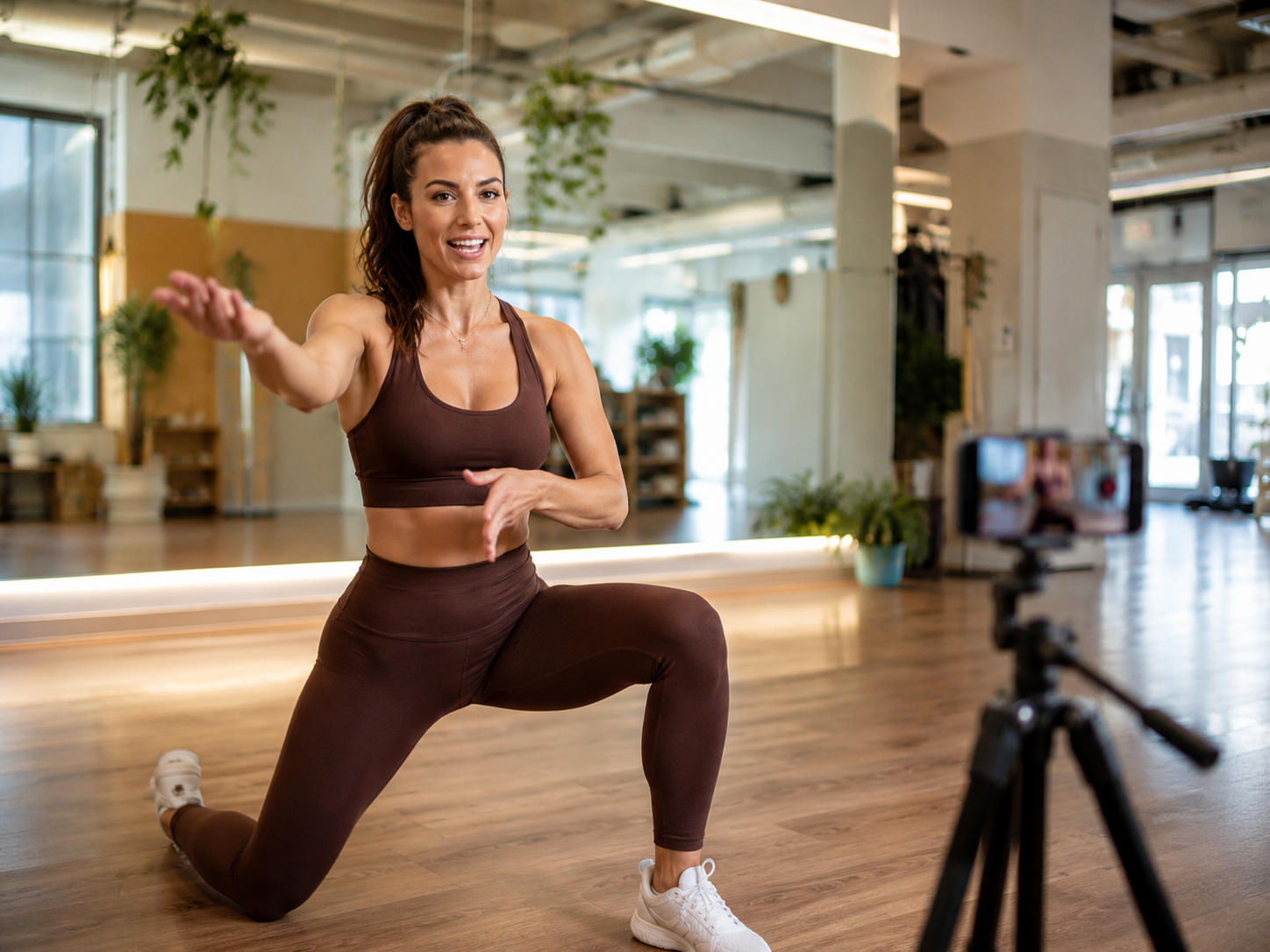
Invideo Agent, an AI filmmaking tool, applies deliberate camera movement to footage you've already recorded, adding the kind of intentional motion a camera operator would provide without needing anyone else on set. Its motion control system covers named, specific moves a push-in, a pan, an orbit around a subject applied after the fact to a video you filmed alone on a tripod or handheld.
Keeping your presence consistent across every video
As the instructor and the face of your studio, you're the one recurring element across every promo video, class trailer, and social clip you make and that consistency is actually a business asset, not just a filming logistics issue.
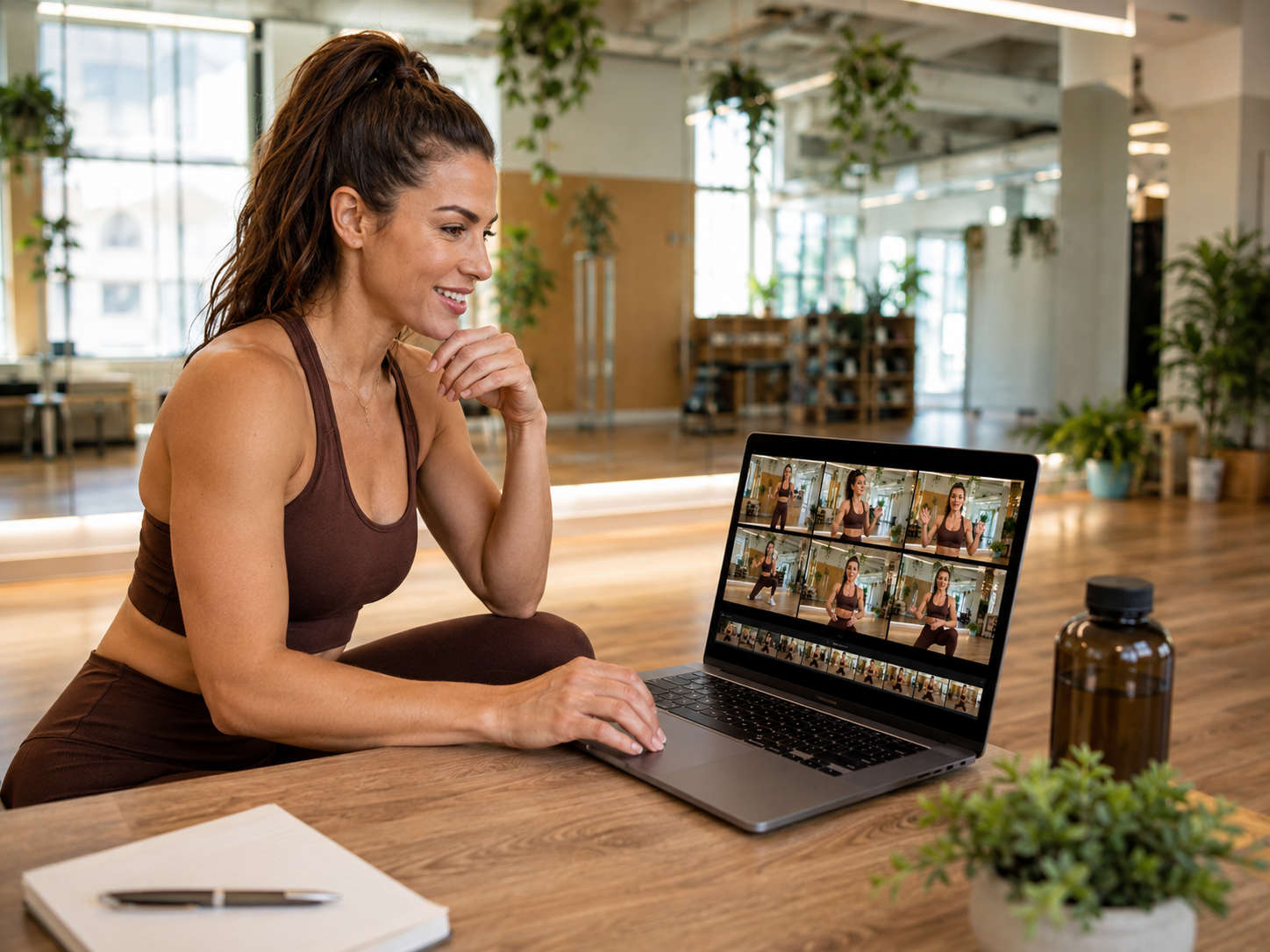
The newer invideo Agent Two model can help hold that consistency across separate filming sessions, so a promo video shot this month and one shot next month both feel like they came from the same studio and the same instructor, without you needing to manually match lighting, framing, or tone each time.
Making one good session go further
A single filming session even a modest one, done solo with a phone or a basic camera can produce more than just one video if it's treated as raw material rather than a single finished product.
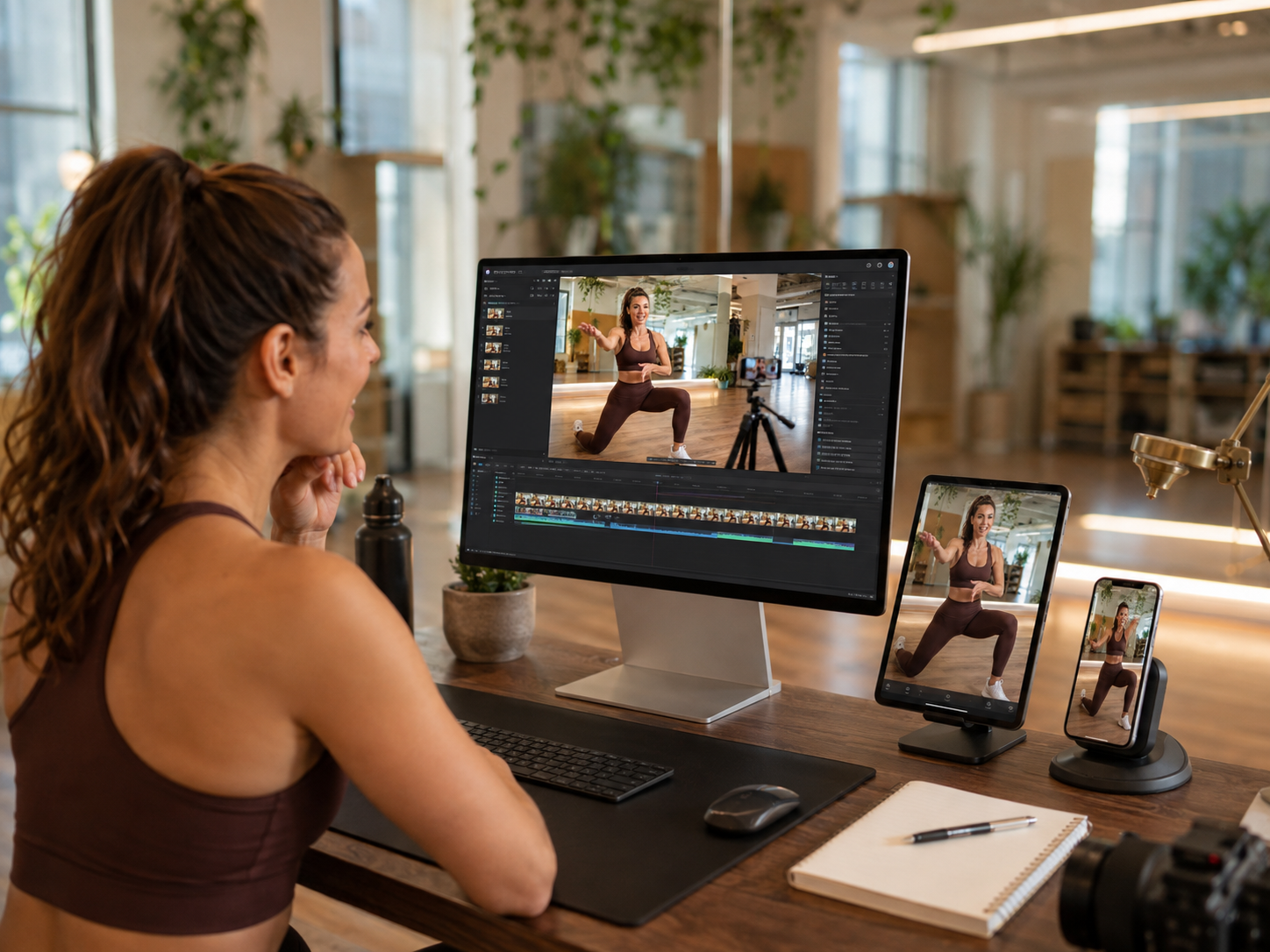
The same footage from one class demo can become a full-length promo video, a shorter social clip, and a class trailer, each edited and paced differently for where it's actually going to be seen, without needing to re-film for each format.
Common mistakes when filming solo as a studio owner
- Settling for a static, locked-off shot because there's no one to operate the camera. Deliberate camera movement can be added after filming, even from footage originally shot on a stationary tripod.
- Re-filming from scratch for every new format you need. One solid filming session can typically be cut into a longer promo, a shorter clip, and a trailer, rather than filming separately for each.
- Letting your on-camera look and studio branding drift between sessions. A consistent reference set up once helps keep videos filmed months apart still feeling like they belong together.
- Waiting until you can afford a videographer to make any promo video at all. Solo-filmed footage, with the right camera work added afterward, can produce a genuinely usable result in the meantime.
- Treating a promo video as a one-time project instead of an ongoing content habit. A studio that films a little regularly builds a real library of usable content over time, rather than one video that quickly goes stale.
Once those promo videos begin attracting potential customers, Omnify's class scheduling software can help solo studio owners turn interest into bookings by managing schedules, registrations, waitlists, payments, and automated customer notifications.
Related reads:

Learn how solo studio owners can film professional-looking, instructor-led promo videos alone—no videographer or camera operator needed.