.webp)
How to Build a Photo Library for Your Kids' Activity Business
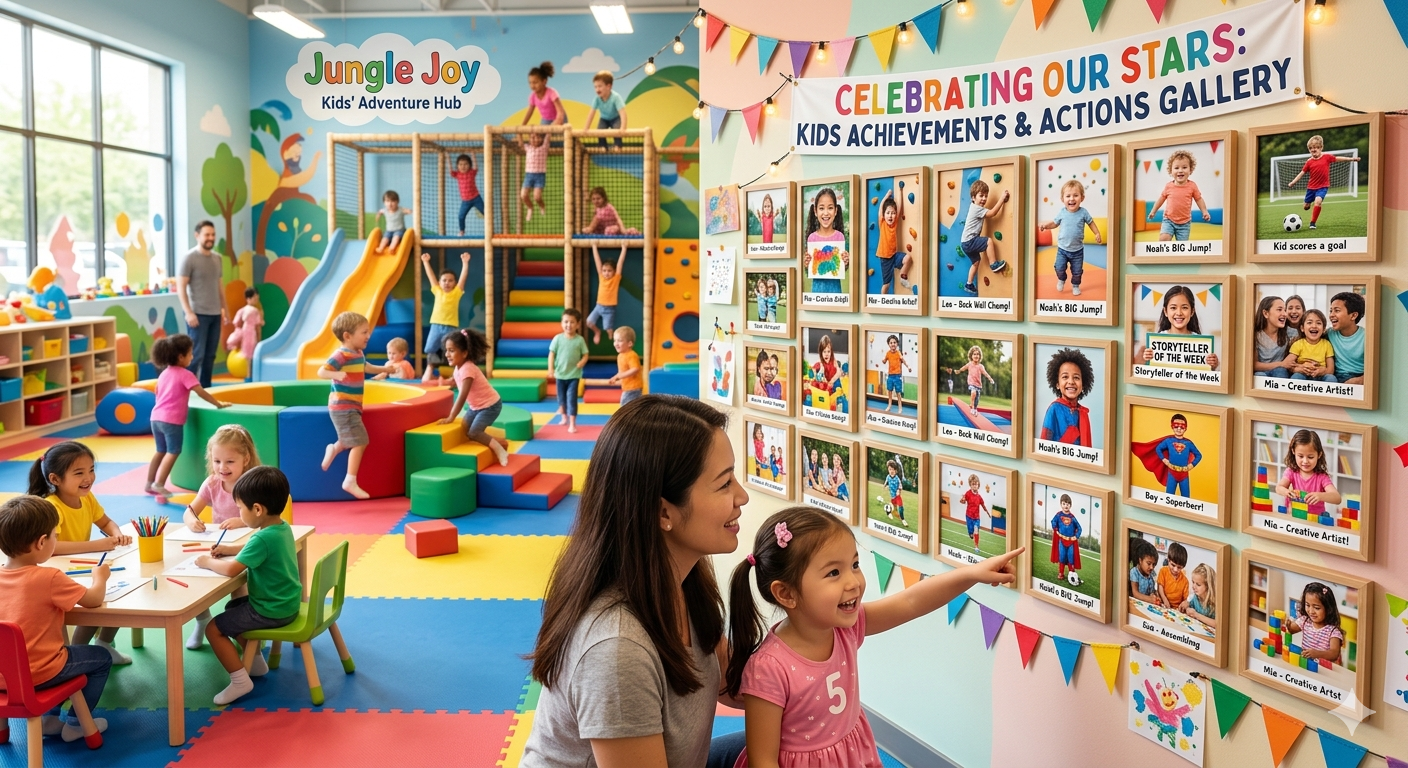
If you run a kids’ activity business, you’ve probably run into this more times than you can count. You’re about to post on social media, update your website, or launch a new camp, and suddenly you don’t have the right photos. What should be a quick task turns into a scramble. You scroll through your camera roll, dig into WhatsApp groups, ask your staff if they have anything recent, and often end up reusing the same 2-3 images yet again. It may seem like a small, everyday problem, but over time, it slows down your marketing, delays campaigns, and limits how professionally you present your programs.
Because in this business, photos aren’t just content; they directly influence decisions. Parents don’t sign up because of descriptions alone; they sign up when they can clearly see the experience, the environment, and the joy their child will be part of.
If your visuals don’t reflect that, you’re making it harder for them to say yes. A strong, well-organised photo library solves this at the root. It’s a one-time investment that pays off every time you need to market your business, making every post, campaign, and booking page faster to create, more compelling, and far more effective at driving sign-ups.
Why does a children’s activity center need a Photo Library?
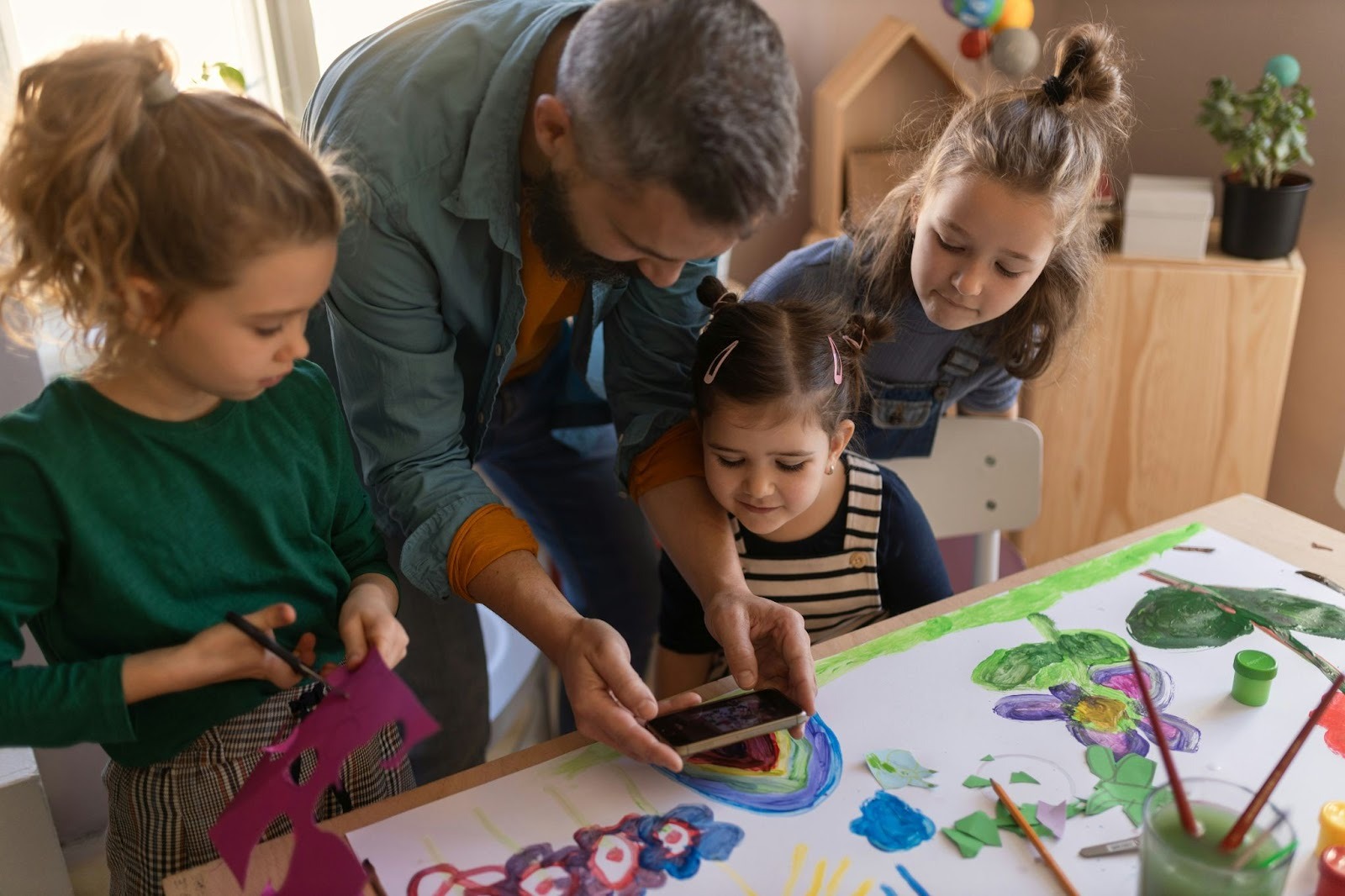
Clicking photos in a kids’ activity center is as common as kids loving lollipops. But the lack of organization for the photos is a big miss! Your photo library could be one of your most powerful trust-building tools.
When parents are deciding whether to book a class, they randomly start by reading your description. They start by looking. In a matter of seconds, your visuals shape their first impression of your space, your instructors, and the overall experience.
A good photo library also makes your marketing significantly easier. Whether you’re creating social media posts, emails, landing pages, ads, or seasonal campaigns, having ready-to-use, high-quality images saves time and keeps your brand looking cohesive across every touchpoint.
Images of your actual classes, coaches, and students in action give parents a clear, authentic sense of what to expect. They instantly answer unspoken questions: “Is this safe? Will my child feel comfortable here? Does this look engaging?”
Better photos don’t just make your brand look good; they make parents trust you and feel confident choosing you.
What photos does a children’s activity center need?
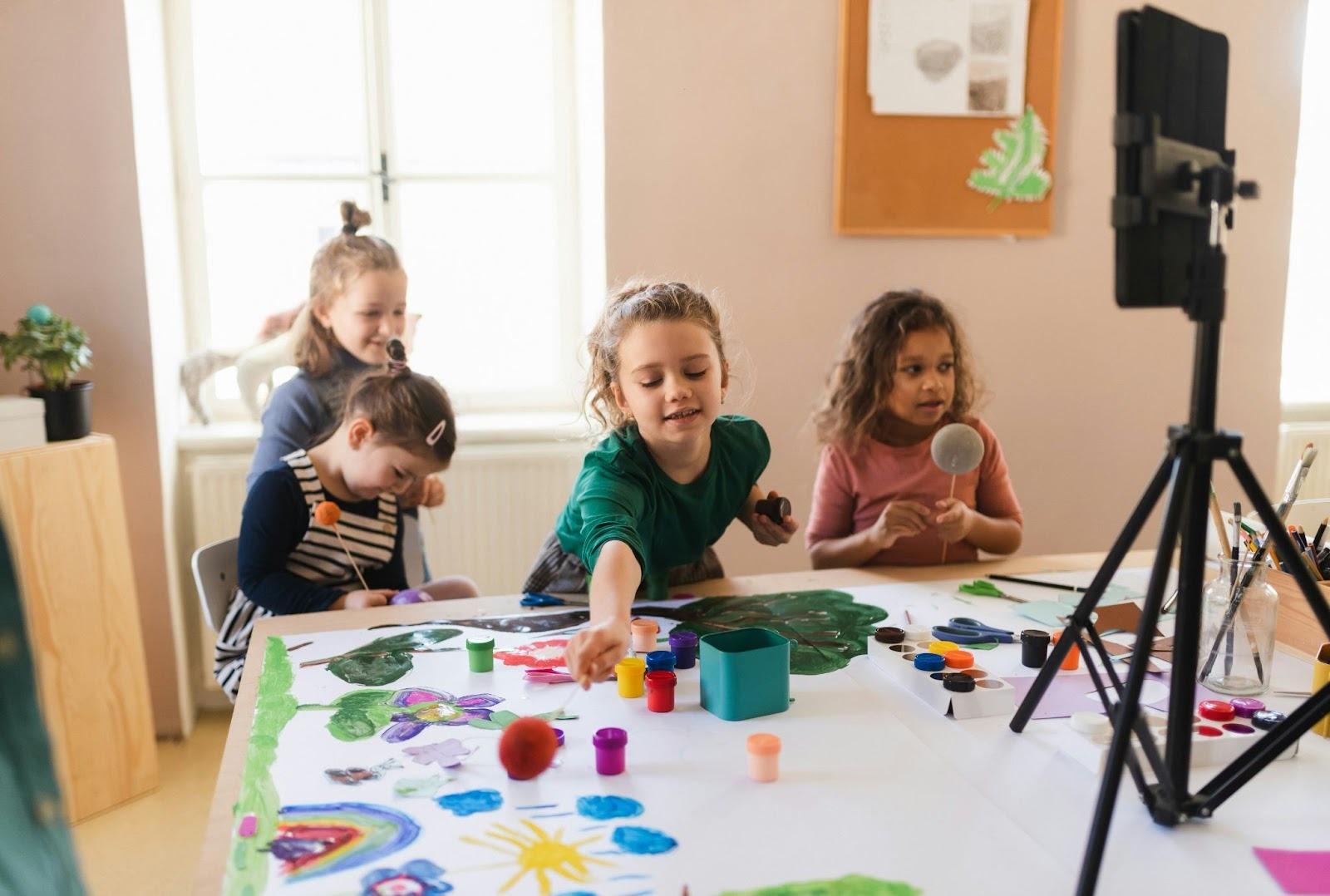
Break it down into four must-have categories, so operators know exactly what to capture:
1. Activity Photos
Activity photos should capture your programs in their most authentic form, real, unposed moments of kids actively engaged, learning, and enjoying the experience. It’s important to showcase a variety of age groups so parents can clearly see that your offerings cater to different developmental stages. Some of the most impactful images are those that highlight instructor-student interactions, as they build trust and give parents confidence in the quality of guidance their child will receive. Alongside this, include photos of projects, outcomes, or achievements that the child creates, learns, or accomplishes so parents can visualize the real value of enrolling.
2. Instructor and Staff Photos
Instructor and staff photos play a key role in building familiarity and trust even before a parent steps into your center. Start with individual headshots that feel warm and approachable, avoid stiff, corporate-style images and aim for something that reflects personality. Complement these with action shots of instructors actively teaching, which help parents visualize how their child will be guided and supported. Team photos are equally important, as they put faces to your brand and show the people behind the experience. Pairing these visuals with short, friendly bios adds another layer of connection, making your team feel more relatable and reassuring to parents from the very first interaction.
3. Facility and Space Photos
Facility and space photos help parents visualize the environment their child will be stepping into, making them feel more confident about their decision. Focus on clean, well-lit images of your indoor spaces that clearly showcase how organized and welcoming your center is. Include shots of the equipment and materials used during classes, as these reflect the quality of your programs. Don’t overlook the entrance and reception area. These visuals play a big role in reducing first-visit anxiety for new families by making the space feel familiar. If you have outdoor areas, highlight those as well to show the full experience. And for online programs, include screenshots of your virtual classroom setup, so parents know exactly what to expect digitally.
4. Milestone and Event Photos
Milestone and event photos capture the moments that matter most, and these are often the images parents connect with emotionally. Highlight end-of-term showcases or recitals to show progress and celebrate what children have learned. Include photos from camps, field trips, and special activities to reflect the fun, memorable experiences beyond regular classes. Birthday parties and events add a sense of community and joy, while award ceremonies or achievement moments showcase growth and recognition. Together, these images help parents see not just what happens in a class, but the journey and milestones their child will experience along the way.
How to shoot good photos without a professional photographer?
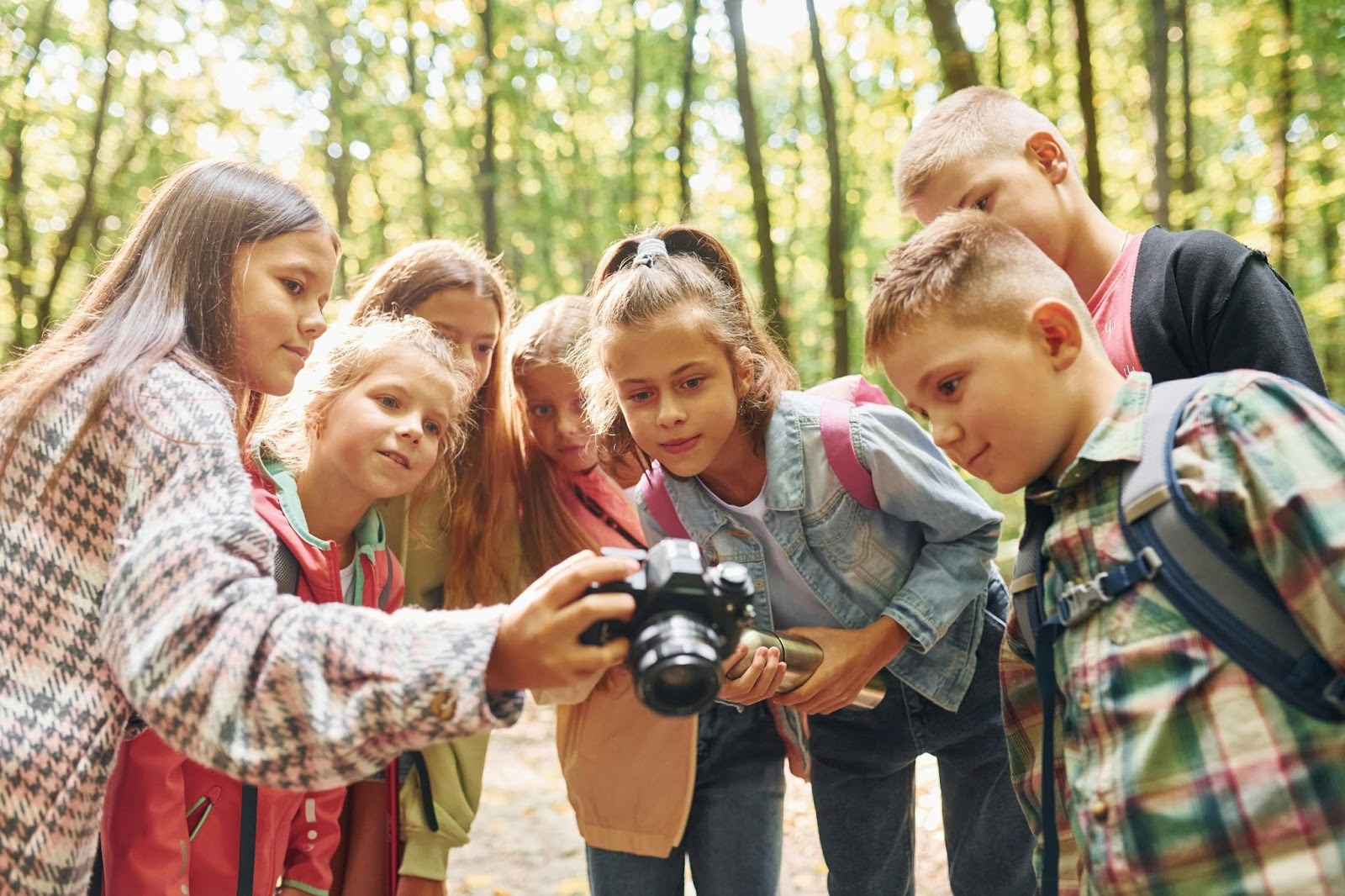
Shooting good photos in today’s day and age is a piece of cake. The only thing you need is a good smartphone, natural light and real moments to capture.
An AI photo editor can also help you quickly enhance lighting, improve image quality, remove distractions, and maintain a consistent visual style across your entire photo library.
How to organize your photo library?
The difference between a useful library and a chaotic camera roll is structure. This is what you can do-
Where to use photos once you have them?
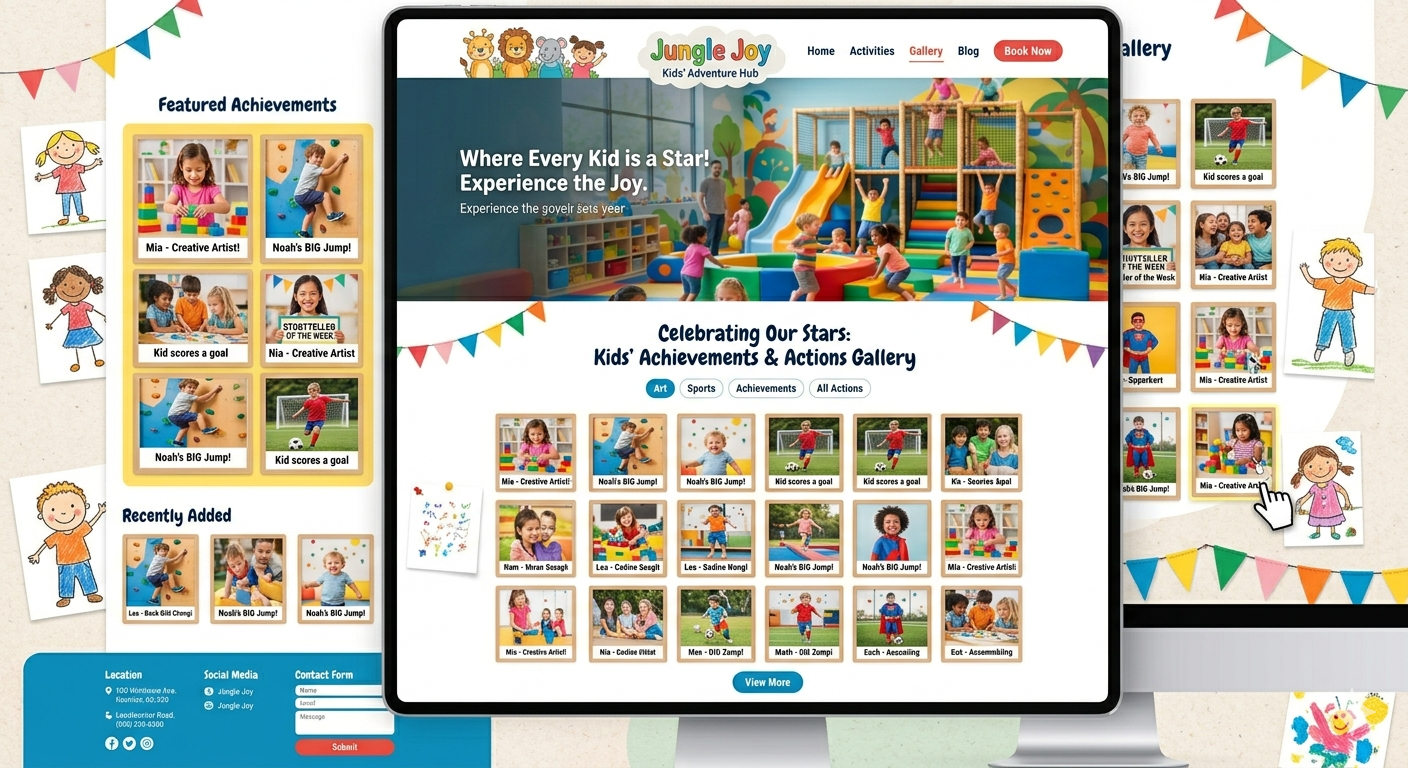
Show operators the payoff- all the places a good library makes their life easier. Put your photos to work everywhere that matters, be it for boosting sign-ups, improving conversions, and creating a professional experience parents trust.
How to keep updating your photo library for your kids’ activity center?
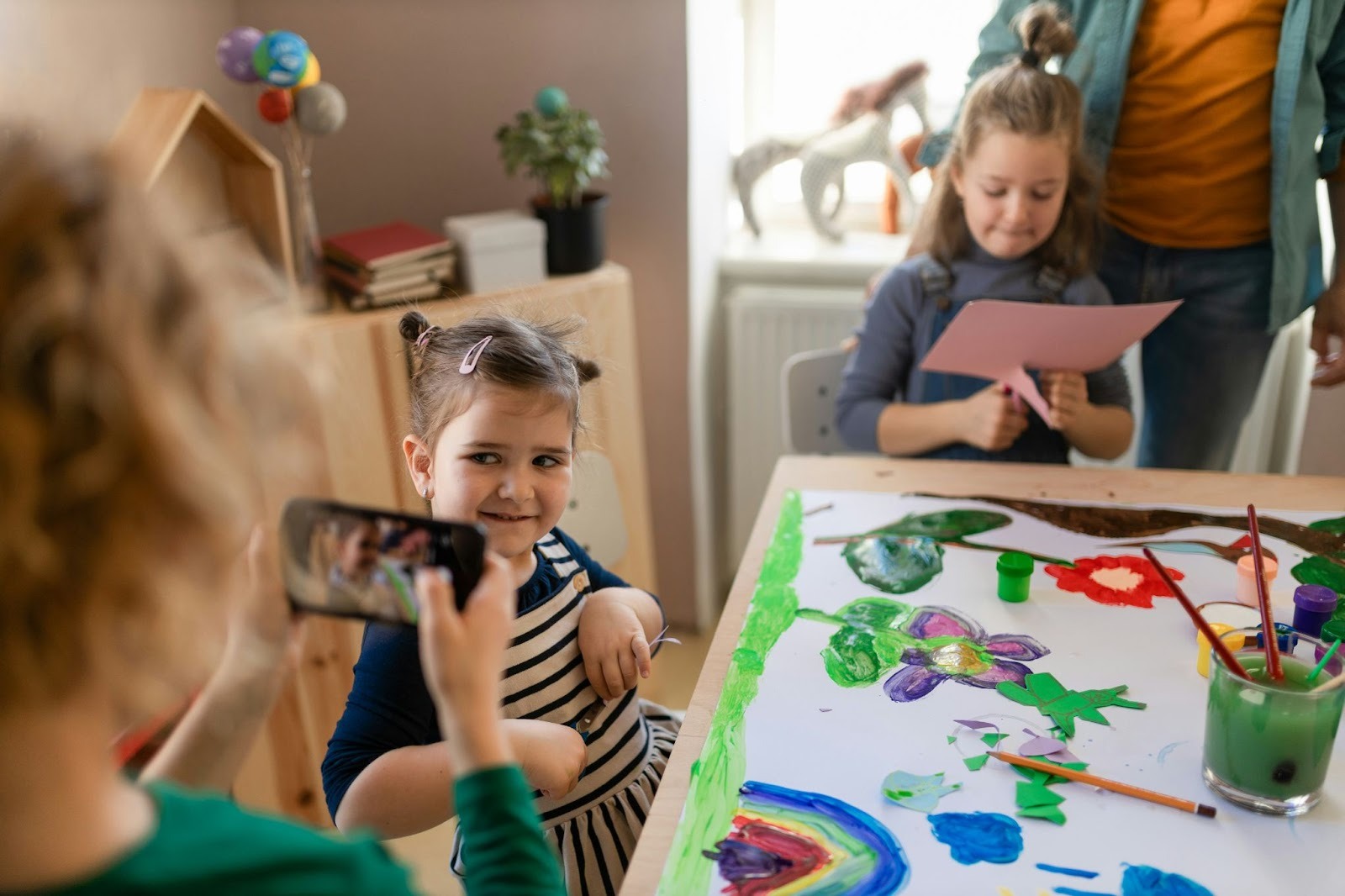
Kids’ activity programs keep evolving all the time. Also, kids grow up, enrol on older youth programs, new kids join in with newer energy, and that is what your photos should exactly reflect. Fresh visuals keep your brand looking active and relevant, and give parents confidence that what they see is what they’ll experience today.
Read more - How to promote and sell your digital product at checkout.
Conclusion
Think of your photo library not as a task, but as an asset. Every photo you capture today is content you won’t have to create tomorrow. A well-organized library means less time scrambling for visuals and more time focusing on running your business while giving parents the confidence to book even before they walk through your doors.
And when everything from your photos to your programs is presented clearly and consistently, it simply makes your business easier to run and easier to trust. That’s ultimately what helps you grow.
Along with that, tools like Omnify support children’s activity businesses by helping you bring everything together from showcasing your offerings through a clean, branded storefront to managing bookings, schedules, and customer interactions seamlessly. So while your visuals build trust, your operations back it up, creating an experience that keeps families coming back. Try our 14-day free trial now!
Struggling to find the right photos for your kids’ activity business? Learn how a strong photo library helps you boost bookings, improve marketing & save time.