.webp)
How to Showcase a Birthday Party or Camp Experience in Video Without a Film Crew
Nothing sells a birthday party package or a summer camp session better than a parent seeing what it actually looks like, kids laughing, an instructor leading a game, the specific energy of your space. Written descriptions and a photo gallery only get you so far.
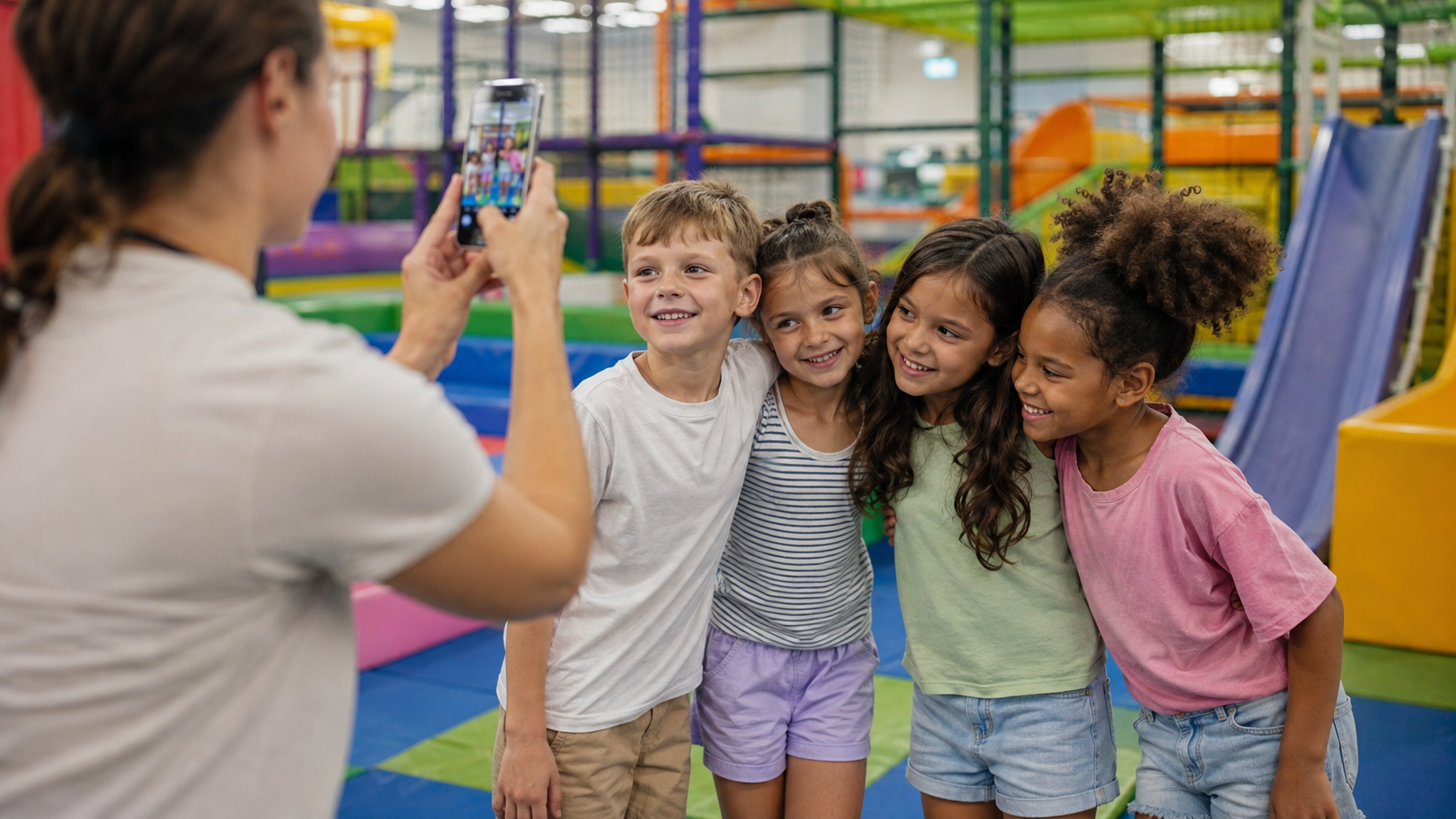
The problem is timing. Hiring a videographer for every party or every camp session isn't realistic for most activity centers, and by the time you'd book one, the moment you wanted to capture is already over. What most centers already have is the raw material: phone photos and video clips taken by staff during the event. The gap isn't footage, it's turning that footage into something polished enough to actually use in your marketing.
Turning what you already captured into something usable
The photos and short clips your staff already takes during a party or camp day are the actual starting point, not something to shoot from scratch, but something to turn into a finished promotional video. Invideo Agent, an AI filmmaking tool, can take those existing photos and clips and turn them into a polished video that matches your center's look, rather than requiring a professional shoot to get something usable.
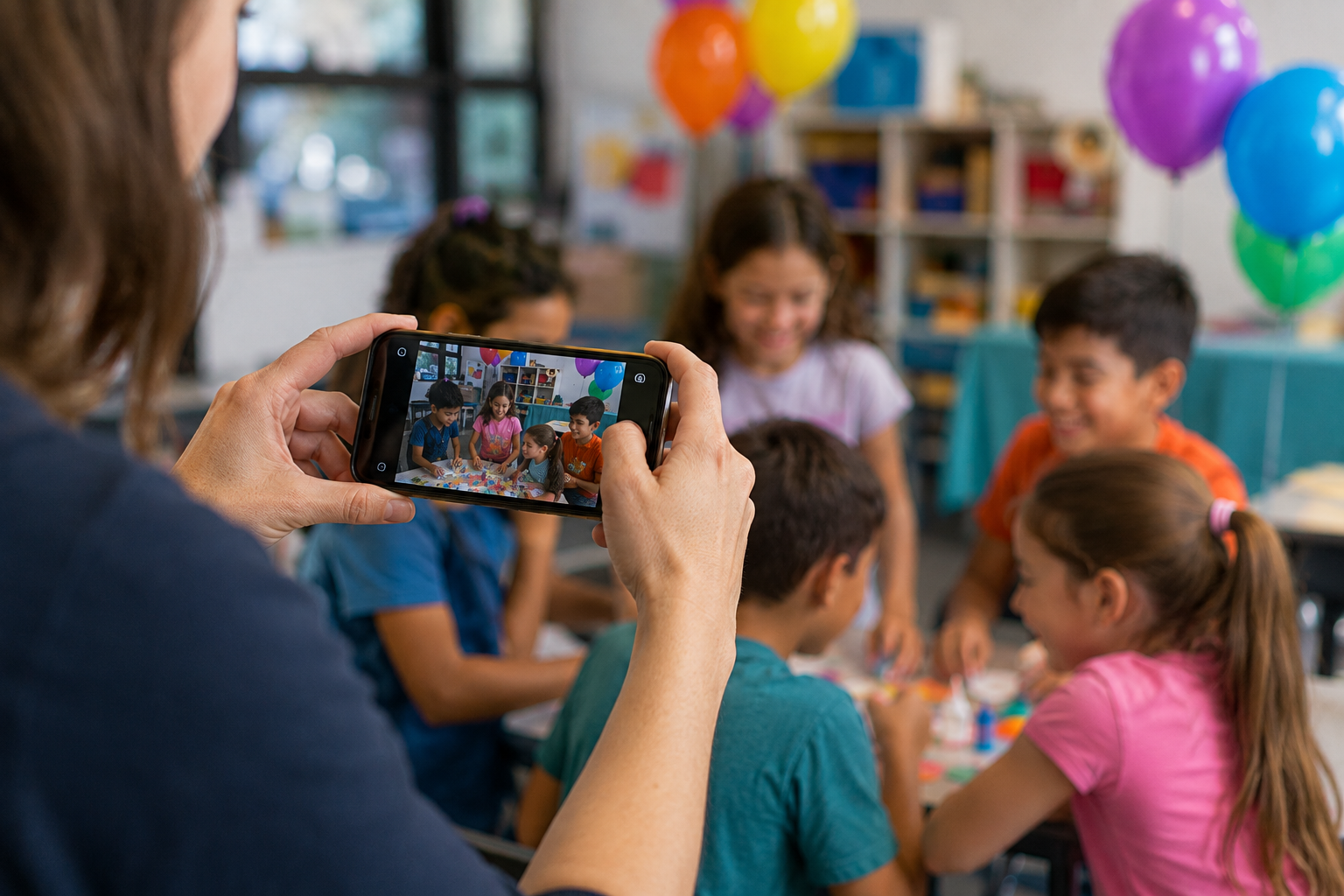
Its image-to-videos capability specifically turns still photos, the ones parents or staff already snapped on a phone during the event, into moving footage, which matters here because most of what actually gets captured at a birthday party or camp day is photos, not planned video.
What actually makes a good showcase video
A parent deciding whether to book your center wants to see specific, concrete things: kids genuinely enjoying themselves, the space itself, and a sense of what a typical session actually feels like, not a polished commercial that could be advertising anywhere.
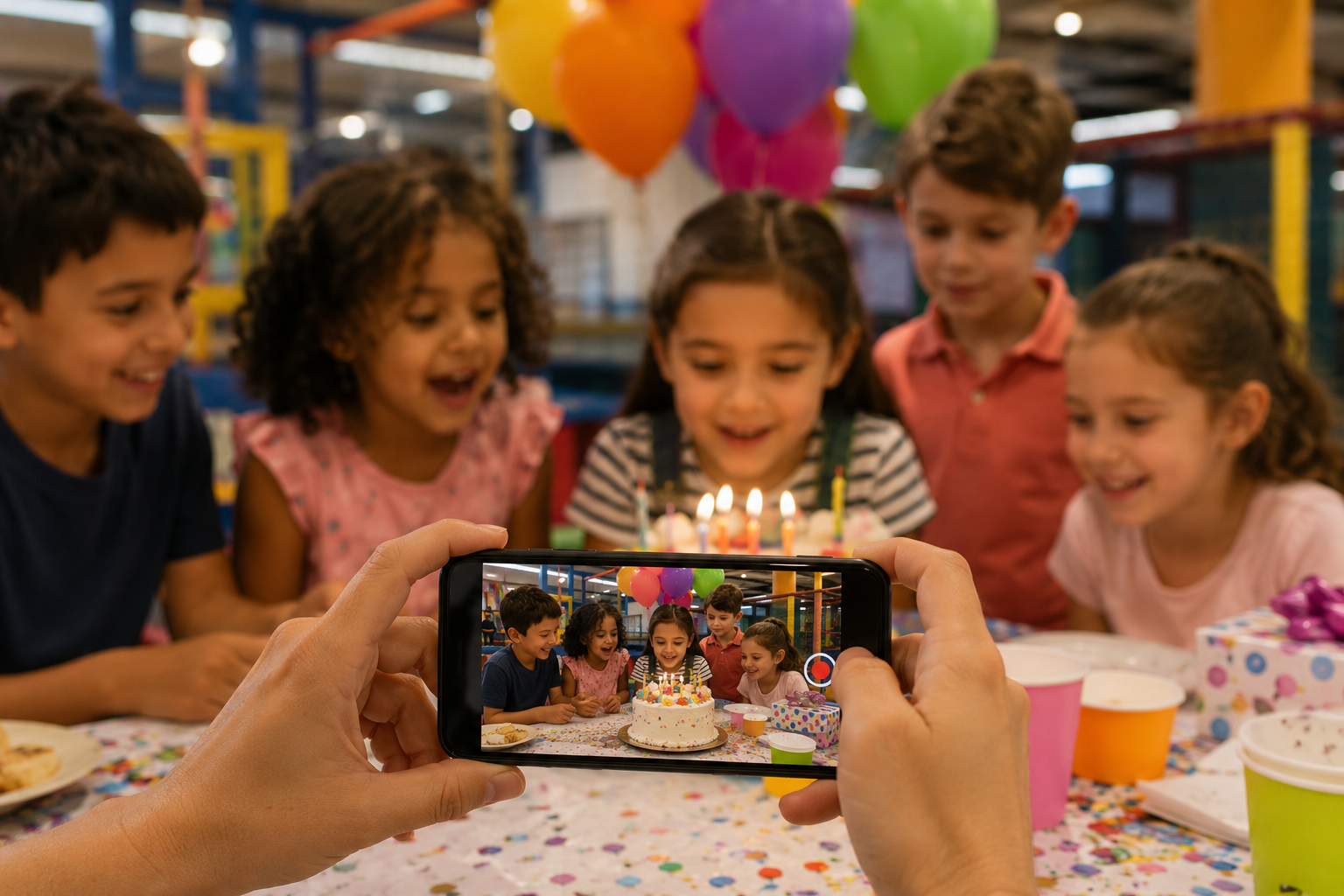
Keeping the video grounded in real moments from real events, rather than generic stock-style footage, is what makes it convincing. The goal isn't cinematic perfection, it's an honest, well-assembled look at what a family can expect.
Keeping every video consistently branded
Beyond any single video, the bigger opportunity is making every party or camp video you produce look like it came from the same place, your logo, your colors, your overall tone, without manually rebuilding that look every time.
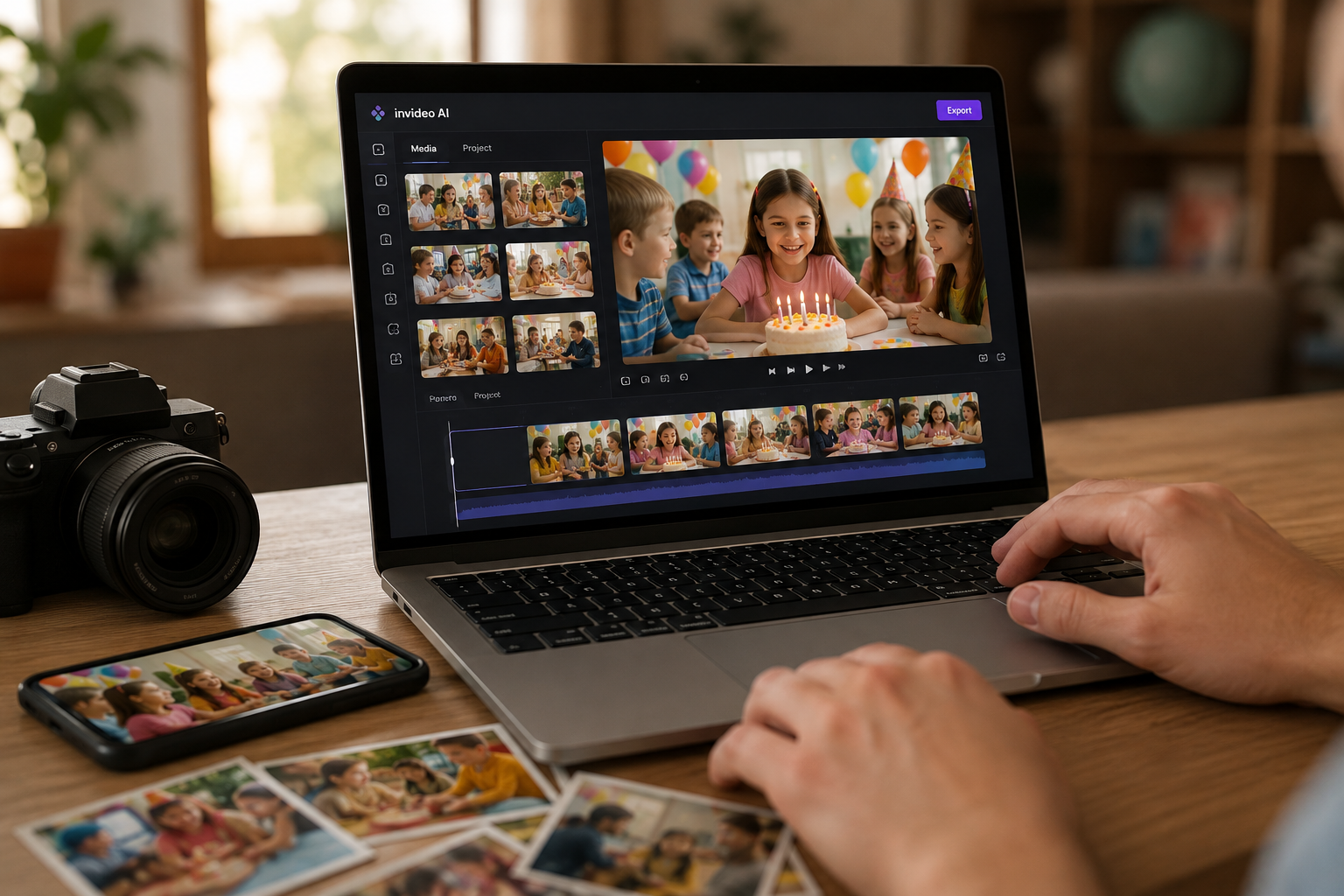
The newer invideo Agent Two model can read your existing brand materials or a video you already like directly, applying that same look to new videos automatically, so a video made from last month's camp session and one made from this weekend's birthday party both feel consistently like your center.
Making this part of your regular routine
The most effective approach isn't a one-time project, it's building a habit of your staff capturing a few photos or short clips during every event, knowing that raw material can become a finished promotional video afterward.
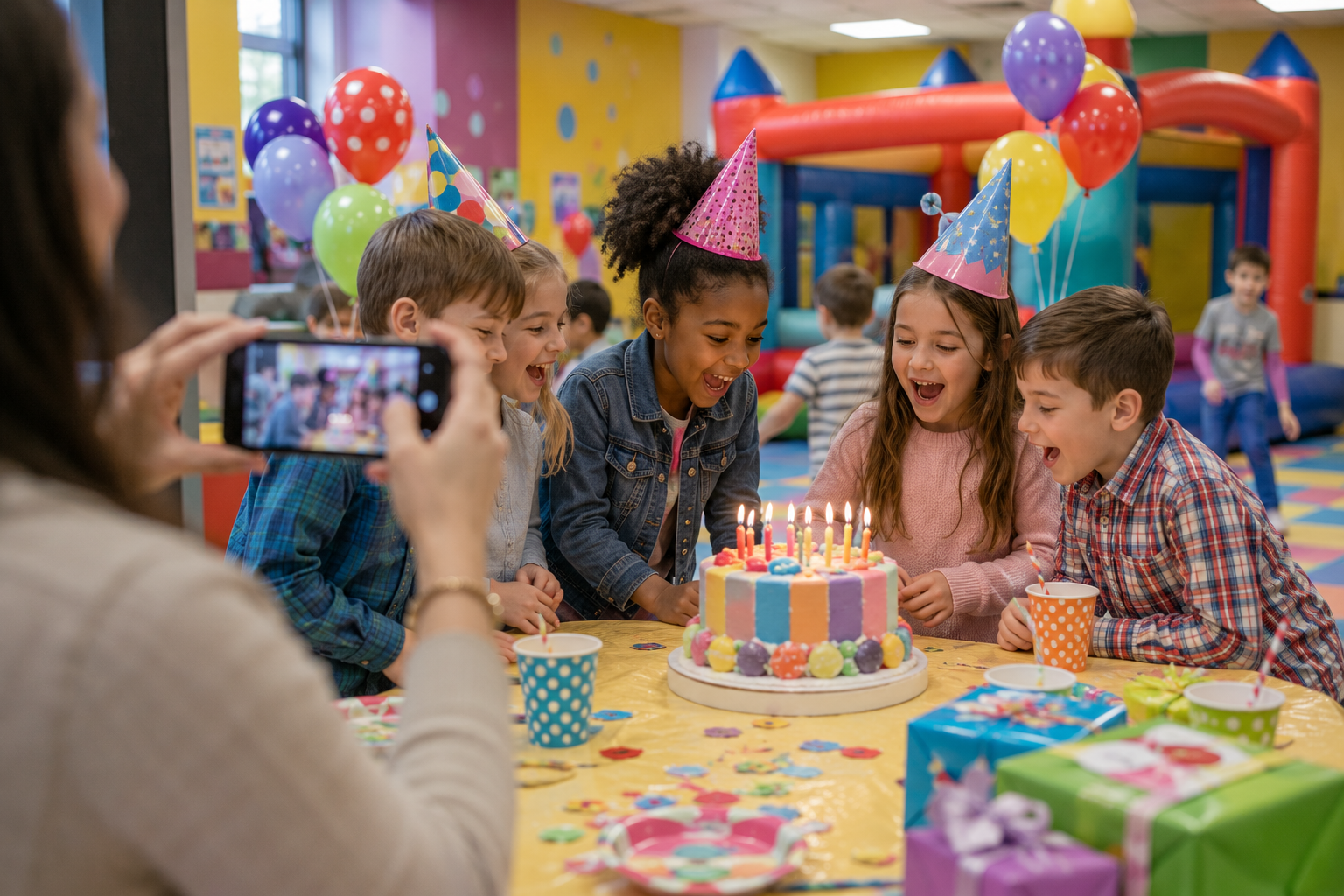
Over time, that turns into a real library of authentic showcase content, one for birthday parties, one for each camp session, one for seasonal programs, without needing a dedicated video budget for each one.
Common mistakes when showcasing your center's events in video
- Waiting for a "big enough" event to justify hiring a videographer. Most of your best marketing material comes from ordinary sessions, not a rare, specially staged shoot.
- Not capturing anything during the actual event. A few staff phone photos or clips are the entire raw material a showcase video needs, skipping this step means starting with nothing afterward.
- Aiming for a polished commercial look instead of authentic moments. Parents respond more to genuine, real event footage than to something that reads as an overly produced ad.
- Rebuilding your center's look from scratch for every new video. A consistent brand reference set up once saves this repeated work for every future video.
- Treating this as a one-off project instead of an ongoing routine. The real value comes from consistently turning captured moments into finished videos over time, not from one polished video made once.
Once these showcase videos begin generating interest, Omnify’s party management software can help activity centers turn that attention into bookings by offering customizable party packages, managing deposits and RSVPs, and selling optional add-ons through one system.

Learn how franchise owners can create on-brand local marketing videos for every location using AI—no videographer or production budget required.