.webp)
Key Features to Look for in a Program-Centric Booking & CRM Platform

Running a kids' activity business today involves a lot more than managing a simple booking calendar. Whether you run a gymnastics center, swim school, dance studio, sports academy, music class, or summer camp, parents now expect everything to feel quick and effortless, from online bookings and payments to automated reminders and personalized communication.
At the same time, businesses are dealing with recurring schedules, memberships, attendance tracking, waitlists, and customer follow-ups across multiple programs. And as enrollments grow, managing all of this manually quickly becomes overwhelming.
That’s one reason why the global online booking software market is expected to grow from $8.2 billion in 2024 to $18.7 billion by 2034.
That’s why many businesses eventually outgrow basic scheduling tools. What they really need is a system that can handle the day-to-day complexity of running programs, from registrations and attendance to payments, communication, and customer management, all in one place.
If you’re exploring software for your business, here are the key features that actually make a difference in a program-centric booking and CRM platform.
Features to Look for in a Program Centric Booking & CRM platform
These are the basic features that you should make sure the software you choose for your business has
- Flexible Program & Schedule Management
- Centralized Customer Relationship Management (CRM)
- Automated Booking & Registration Workflows
- Advanced Payment & Billing Features
- Attendance & Roster Management
- Smart Communication
- Reporting & Analytics
- Multi-Location & Franchise Support
- Integration Capabilities
- Scalability & Performance
1. Flexible Program & Schedule Management
One of the biggest mistakes kids' activity businesses make is choosing software built only for simple appointments.
Kids' activity businesses rarely operate that way. You’re not just booking a single session and moving on. You’re managing multiple programs, different age groups, instructors, batch timings, enrollment limits, and locations all at once.
Take a swim school, for example. On a typical week, they may be running weekday beginner batches, weekend coaching, holiday camps, private sessions, makeup classes, and even birthday party bookings. Trying to manage all of that through a basic calendar tool quickly turns into a mess.
A good program-centric platform should make it easy to manage every type of service you offer from one place. More importantly, it should reduce the amount of manual coordination your team handles every day.
Features like:
- Custom schedules
- Makeup class management
- Waitlist management
- Class capacity limits
- Age restrictions
- Instructor assignments
- Multi-location management.
For example, if a parent wants to move their child from the Tuesday dance batch to the Thursday batch, your staff shouldn’t have to update attendance sheets, payment records, and schedules separately. A good system should handle that in a few clicks.
The same thing happens during busy periods like summer camps. Registrations come in fast, batches fill up quickly, and without the right system, staff often end up spending more time organizing schedules than actually running programs.
2. Centralized Customer Relationship Management (CRM)
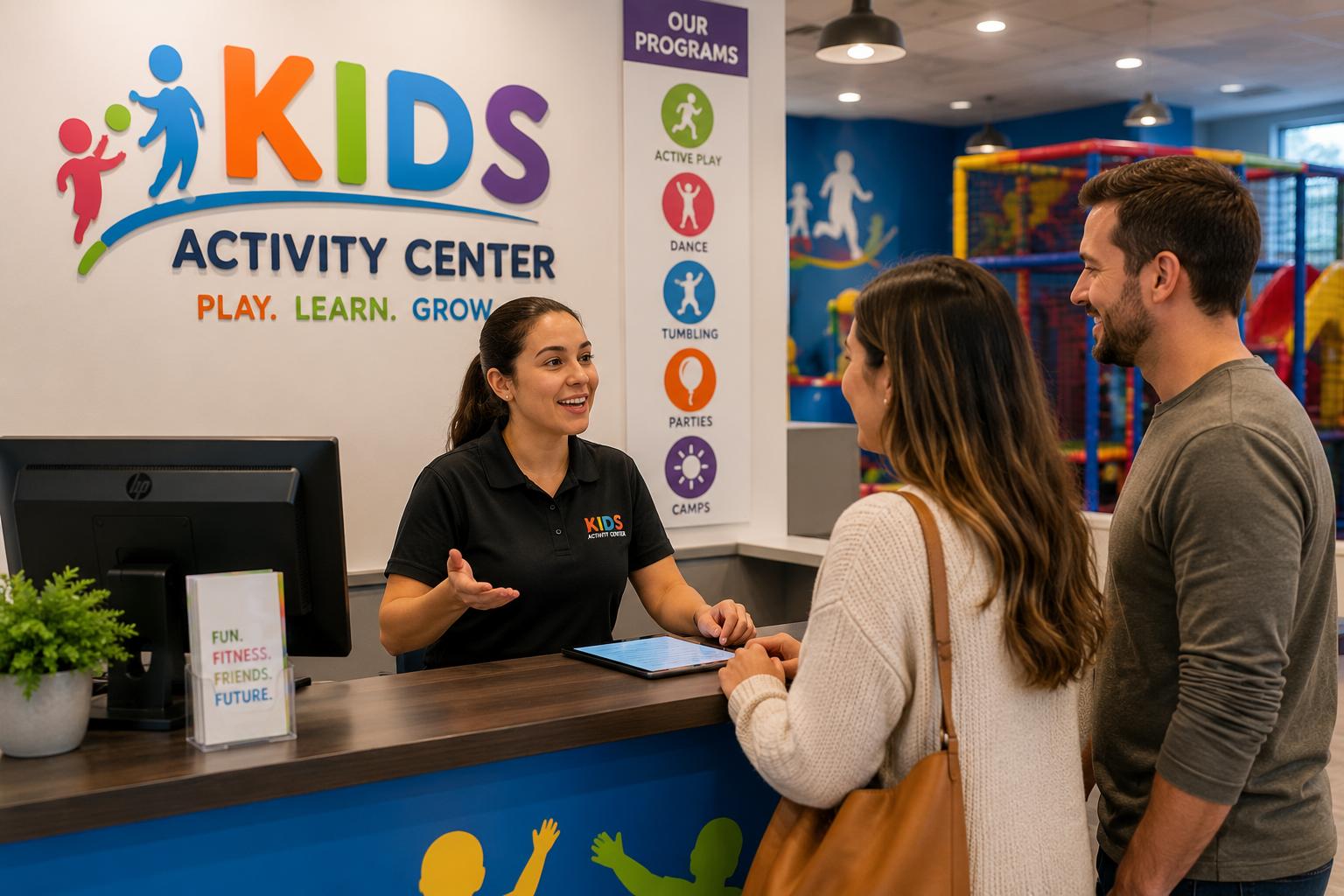
A booking system alone is no longer enough, especially for kids' activity businesses where parent communication and long-term relationships play a huge role in retention. The real challenge starts when trying to keep track of everything that happens after the registration. That’s where having a built-in CRM makes a huge difference.
A good program-centric CRM gives your team a complete view of every customer in one place, including:
- Child and parent profiles
- Booking history
- Attendance records
- Payment history
- Active memberships
- Communication logs
- Medical notes or special instructions
- Sibling or family accounts
- Classes switches and Pauses
So instead of digging through multiple systems, your staff can instantly see everything they need during a call or front-desk conversation.
For example, let’s say a parent visits your gymnastics center asking about enrolling their younger child. A CRM should immediately show that their older child already attends weekend classes, their payment history is consistent, and they previously showed interest in holiday camps. That context helps your team have a much smoother and more personalized conversation.
The same CRM-plus-schedule problem shows up outside kids' activity businesses. Gabriel Cohen, VP of Sales Strategy at Klipboard, a field service management platform, says service firms that dispatch technicians rather than class instructors still lose the customer record the moment work leaves the office. "A booking CRM that only knows who paid and when the slot starts is not enough once someone has to go on site," Cohen says. "Field teams need the same single view: who the customer is, which job is next, who is dispatched, and whether the work has been signed off so it can be invoiced. That is scheduling and CRM as one system of work, not a class timetable.
This becomes even more important as your business grows across multiple programs or locations. Without centralized customer data, things start becoming dependent on staff memory, and that’s usually where mistakes happen.
Another major advantage is retention. When your CRM tracks attendance patterns, inactive members, trial classes, or missed renewals, your team can follow up proactively instead of reacting too late. Sometimes, a simple reminder or check-in message is enough to prevent a customer from quietly dropping off.
3. Automated Booking & Registration Workflows
One of the fastest ways for operational problems to pile up is using software that only handles basic bookings but doesn’t support the actual registration workflow behind your programs.
At first, it may seem manageable: parents book a class, your staff manually sends payment links, someone updates attendance separately, and reminder messages go out through WhatsApp. But as programs grow, these small manual tasks start stacking up very quickly.
This becomes even harder for kids' activity businesses because registrations are rarely simple one-step bookings. For example, imagine running a summer camp where registrations suddenly spike over a weekend. If your system doesn’t automate confirmations, payment collection, waitlists, and reminders, your Monday morning quickly turns into chaos. Parents are calling to check if their spot is confirmed, staff are manually verifying payments, and spreadsheets start getting updated in multiple places.
A good program-centric platform should automate most of this behind the scenes. It directly impacts the customer experience, too. Many registrations happen late at night after work or during weekends when your staff may not even be available. A parent should be able to register their child, complete payment, receive confirmation, and get all the required details instantly. The right software reduces that operational pressure by standardizing how registrations and communication happen across your business.
4. Advanced Payment & Billing Features
Payments are one of those things that look easy initially, until your programs start growing.
Most kids' activity businesses don’t run on a single pricing model. You may have monthly memberships, trial classes, holiday camps, sibling discounts, private sessions, and merchandise sales all running together. If your software can’t handle that properly, staff usually end up tracking payments manually through spreadsheets, bank transfers, or emails.
That’s where things start getting messy. A good program-centric platform should make billing simple for both your team and parents. It should support: one-time payments, tiered payments, auto- renewals, discounts and promo codes, refunds and credits management, family billing, and multiple payment methods
For example, if a parent enrolls two children into different programs, your system should be able to manage everything under one account instead of creating separate invoices and payment records.
Automation matters here, too. Payment reminders, failed payment alerts, and renewal notifications should happen automatically instead of your staff constantly following up manually.
And during busy seasons like camps or workshops, this becomes even more important. The last thing your team wants is to spend hours verifying payments while registrations keep coming in.
5. Attendance & Roster Management

As your enrollments grow, managing attendance and class rosters manually becomes difficult very quickly. Kids shift between batches, makeup classes get scheduled, and instructors change. Without the right system, staff usually end up checking spreadsheets, printed sheets, WhatsApp chats, or calling instructors just to find basic information.
A good program-centric platform should make it easy to: track attendance, manage class rosters, move students between batches, handle makeup sessions, monitor class capacity, Share instructor-wise participant lists, and record notes or special instructions.
Roster management becomes especially important when you’re running multiple programs or locations. For example, if a child moves from the Tuesday gymnastics batch to Thursday, the system should automatically update attendance records, instructor rosters, and available capacity. Your staff shouldn’t have to manually update three different places just because one student changed classes.
Also, without a proper roster system, the classes will become overcrowded, and students may accidentally get missed during attendance.
Instructor coordination becomes smoother, too. Instead of asking the front desk for updates before every class, instructors should be able to quickly see: who’s attending trial sessions/ regular classes, recent batch changes, medical notes, or special instructions for clients.
Attendance tracking also helps with retention. If a child suddenly stops attending regularly, your staff can follow up early instead of discovering the issue only when the membership expires.
6. Smart Communication
Parents expect quick updates about class timings, cancellations, schedule changes, payment reminders, trial sessions, makeup classes, and registrations. If your staff is manually sending every message through calls, emails, or messages, it quickly becomes overwhelming.
This is where strong automation features make a huge difference. A good program-centric platform should automatically handle things like: registration confirmations, class reminders, payment reminders, waitlist notifications, renewal reminders, cancellation or reschedule alerts, trial class follow-ups, and makeup class confirmations.
For example, if heavy rain forces you to cancel an outdoor football session, your staff shouldn’t have to manually contact 40 parents individually. The system should instantly send notifications to everyone affected. The same applies to missed payments or upcoming renewals. Automated reminders help reduce the amount of follow-up your front desk team handles every day.
Custom forms are another important feature that many businesses overlook while choosing software. This becomes especially useful for kids' activity businesses where collecting parent information, allergy details, pickup permissions, or liability waivers is part of the registration process. Another advantage of having better communication features built directly into the platform is consistency.
When communication is spread across different apps, messages often get missed, staff forget follow-ups, and parents receive inconsistent information. Keeping notifications, forms, and updates inside one system makes operations much more organized. Choose a software that can handle auto-communication with ease.
Read more on How to communicate with families at your kids' activity center with email templates
7. Reporting & Analytics
Once your business starts growing, it gets harder to rely on memory or gut feeling alone. You may feel like a certain program is doing well, but without proper reporting, it’s difficult to know what’s actually working and what needs attention. A good program-centric platform should give you a clear view of your business.
You should be able to quickly see: “which programs are filling up fastest”, “which batches have low attendance”, “how many memberships are up for renewal”, “which instructors are handling the most students”, “pending payments and overdue balances”, “trial classes converting into long-term enrollments.”
The same goes for retention. If attendance suddenly drops in a particular batch or renewals start slowing down, your team can catch the issue before it turns into a bigger problem.
Reporting becomes even more useful when you’re running multiple programs or locations. Instead of asking staff for updates constantly, you can quickly understand how each program is performing from one dashboard.
And honestly, during busy seasons, that visibility matters a lot. When registrations are coming in fast, the last thing you want is to spend hours manually calculating enrollments, revenue, or attendance numbers.
8. Multi-Location & Franchise Support
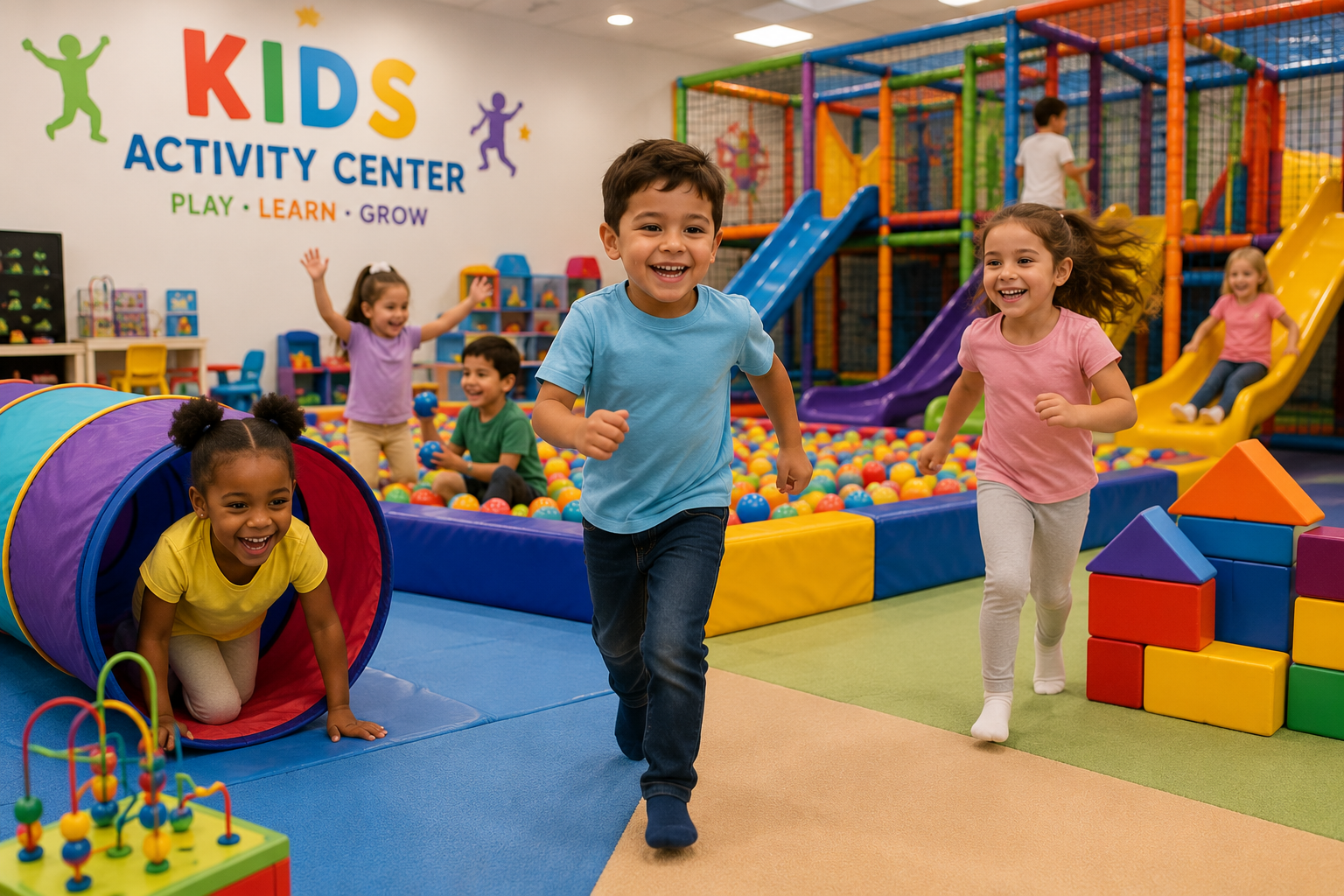
Running one location is very different from managing five, ten, or even more. Once a kids' activity business starts expanding, the biggest challenge is usually not just registrations. It’s keeping operations organized and consistent across every branch.
One location may be following a proper attendance process, while another still manages things manually. One branch may be overbooking classes while another has empty slots sitting unnoticed. And without proper visibility, owners often find out about problems much later than they should. That’s why multi-location support becomes extremely important as you grow.
A good platform should give you a centralized view of the entire business while still allowing each location to handle its own day-to-day operations. You should be able to easily track: enrollments across locations, revenue by branch, instructor schedules, attendance trends, membership renewals, pending payments, and location-wise performance without constantly asking managers to send spreadsheets or reports manually.
Standardization is another huge factor. As you expand, you want parents to have the same experience no matter which branch they visit. The registration process, payment flow, waiver forms, class structures, and communication should feel consistent everywhere.
That becomes difficult if every location starts operating differently. A strong franchise-ready platform helps standardize operations while still giving branch managers enough flexibility to manage local operations.
Royalty calculation becomes frustrating very quickly as more branches get added. A better system should automatically track branch revenue and simplify royalty calculations and collections from one place. And even if you currently have just one location, this still matters. Many businesses choose software that works fine initially, but becomes limiting the moment they open a second branch.
Read more about why franchise businesses outgrow their software and how to scale smarter
9. Integration Capabilities
Most kids' activity businesses already use multiple tools every day. Payments may happen through Stripe or Razorpay. Accounting may happen in QuickBooks. Online classes may run through Zoom or Google Meet. Leads may come through your website forms or WordPress pages. If your business runs on WordPress, choosing the best wordpress hosting for small business ensures your booking pages, lead forms, and payment integrations stay fast and reliable even during peak registration periods. The problem starts when none of these systems is connected. That’s why integrations matter a lot more than most businesses realize initially.
A good program-centric platform should connect smoothly with the tools you already use and make daily operations feel less scattered. For example, Omnify offers multiple integration opportunities that help to streamline your business easily.
And honestly, as your business grows, disconnected systems become exhausting to manage. What feels manageable with one location and a few programs quickly becomes frustrating once you’re handling multiple instructors, locations, camps, memberships, and hundreds of active students.
10. Scalability & Performance
A lot of software works well when your business is small. The real test comes later, when registrations increase, programs expand, staff grow, and multiple locations start operating at the same time.
Pages take longer to load during peak registrations. Payments fail when too many users are booking together. Reports become slow. Staff start complaining that the system crashes during busy hours. And suddenly, your team is spending more time working around software limitations than actually running programs.
A scalable platform should be able to handle growth without creating operational stress every few months. Some important things to evaluate include: system reliability, loading speed during peak usage, cloud infrastructure, multi-location performance, and mobile responsiveness.
Performance matters more to your clients. If registrations take too long, payments fail, or booking pages lag during checkout, parents often drop off midway. During high-demand registrations, even small delays can affect conversions.
So make sure the software you choose evolves with your business and continues adding features for franchise management, automation, analytics, mobile access, integrations, and customer experience improvements over time.
Read more on How to maintain brand consistency across every kids' activity location.
Conclusion
As your business grows, managing operations smoothly becomes just as important as getting new enrollments.
What feels manageable with a few classes can quickly become difficult once you start handling multiple programs, instructors, locations, memberships, and parent communication all at once. And without the right systems in place, small operational issues can slowly start affecting the overall experience for both staff and parents.
The businesses that scale successfully are usually the ones that simplify operations early. They automate repetitive tasks, standardize workflows, and create systems that keep everything organized as they grow.
That’s exactly where platforms like Omnify help. Instead of managing bookings, payments, attendance, waivers, and communication across different tools, you can run everything from one centralized system built for program-based businesses.
Try Omnify free for 14 days and see how it can simplify your operations as you grow.
Discover must-have features for booking and CRM software for kids' activity businesses, from scheduling & payments to automation & franchise management.